

Description

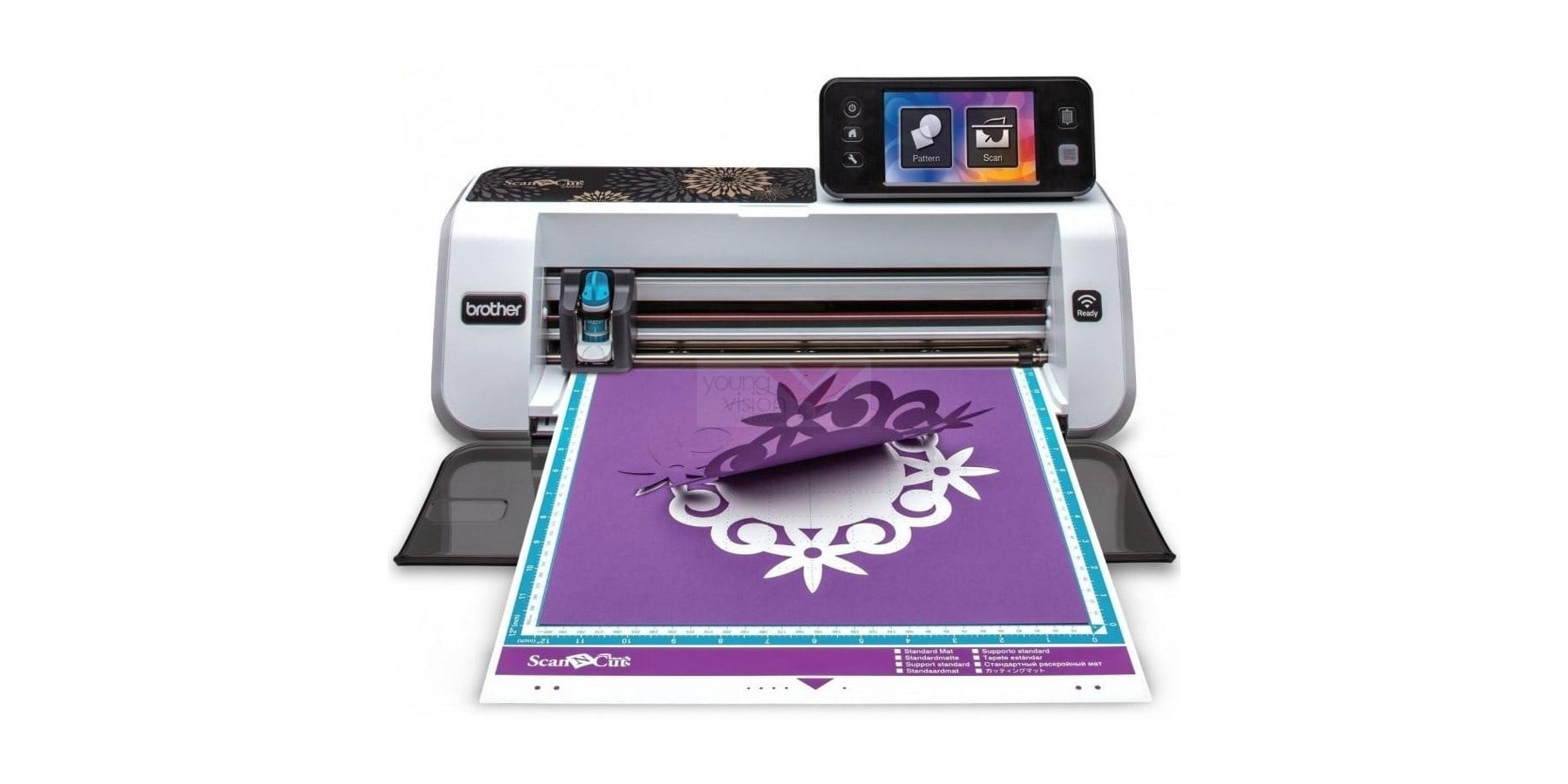
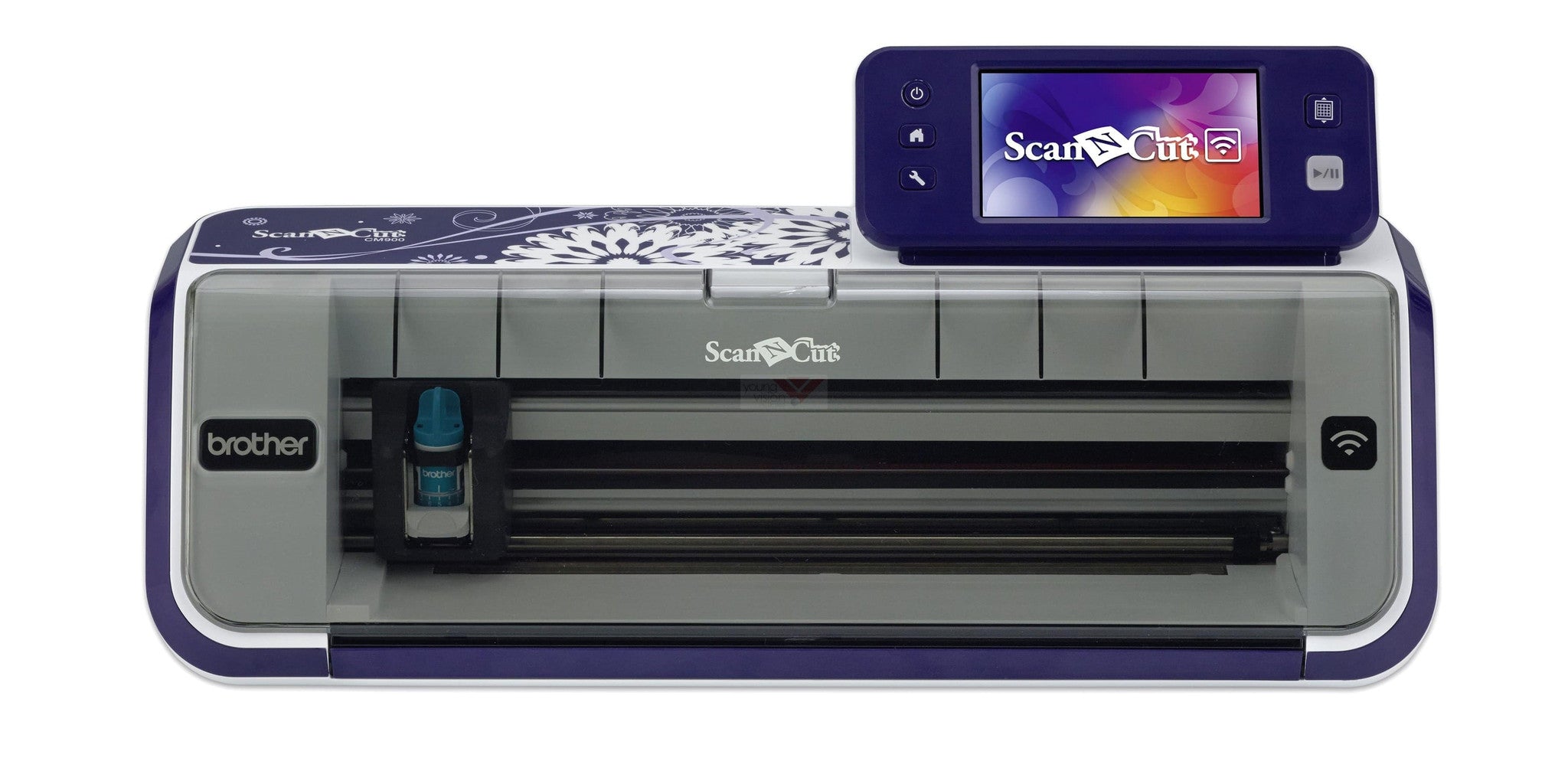
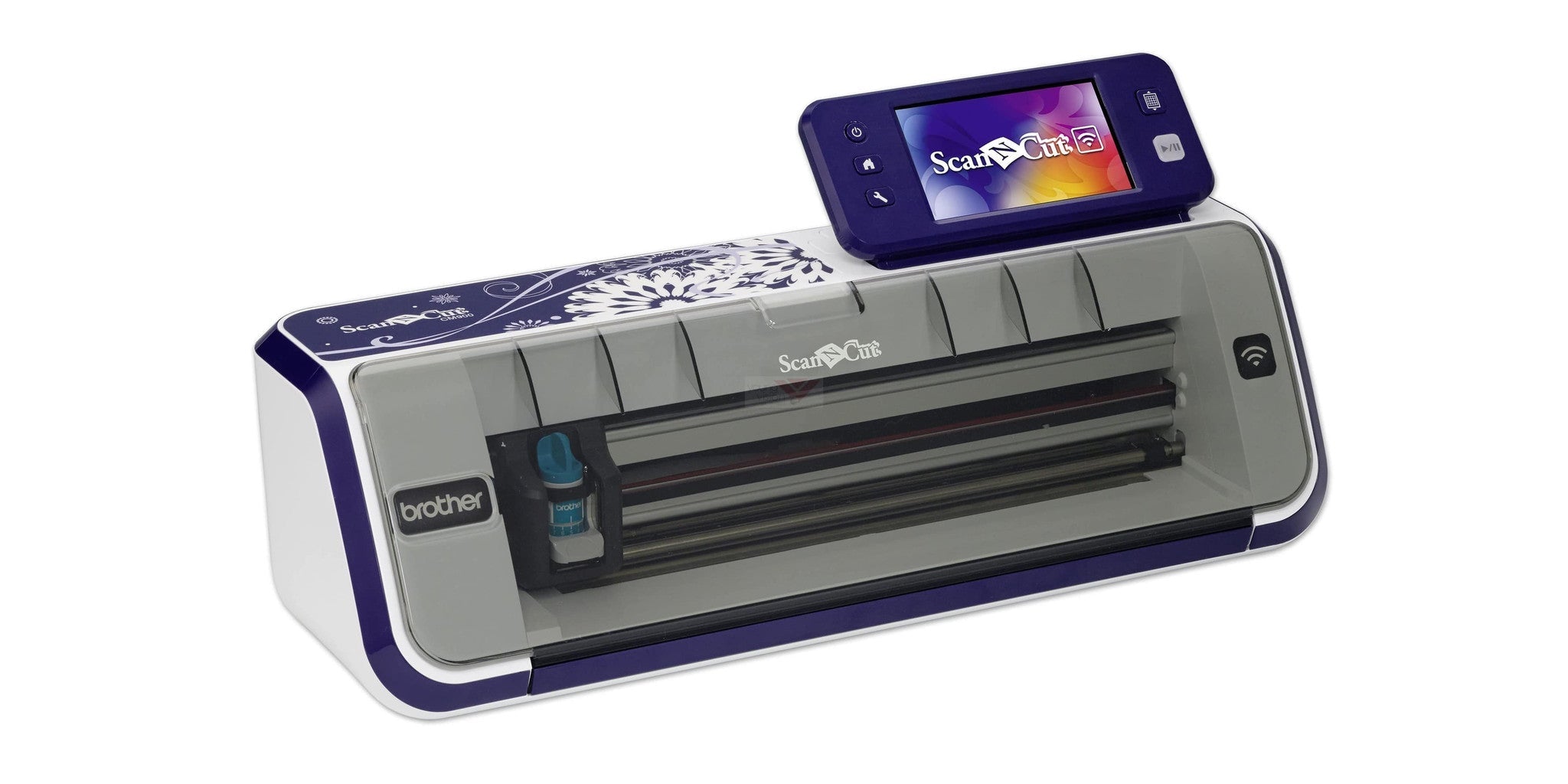
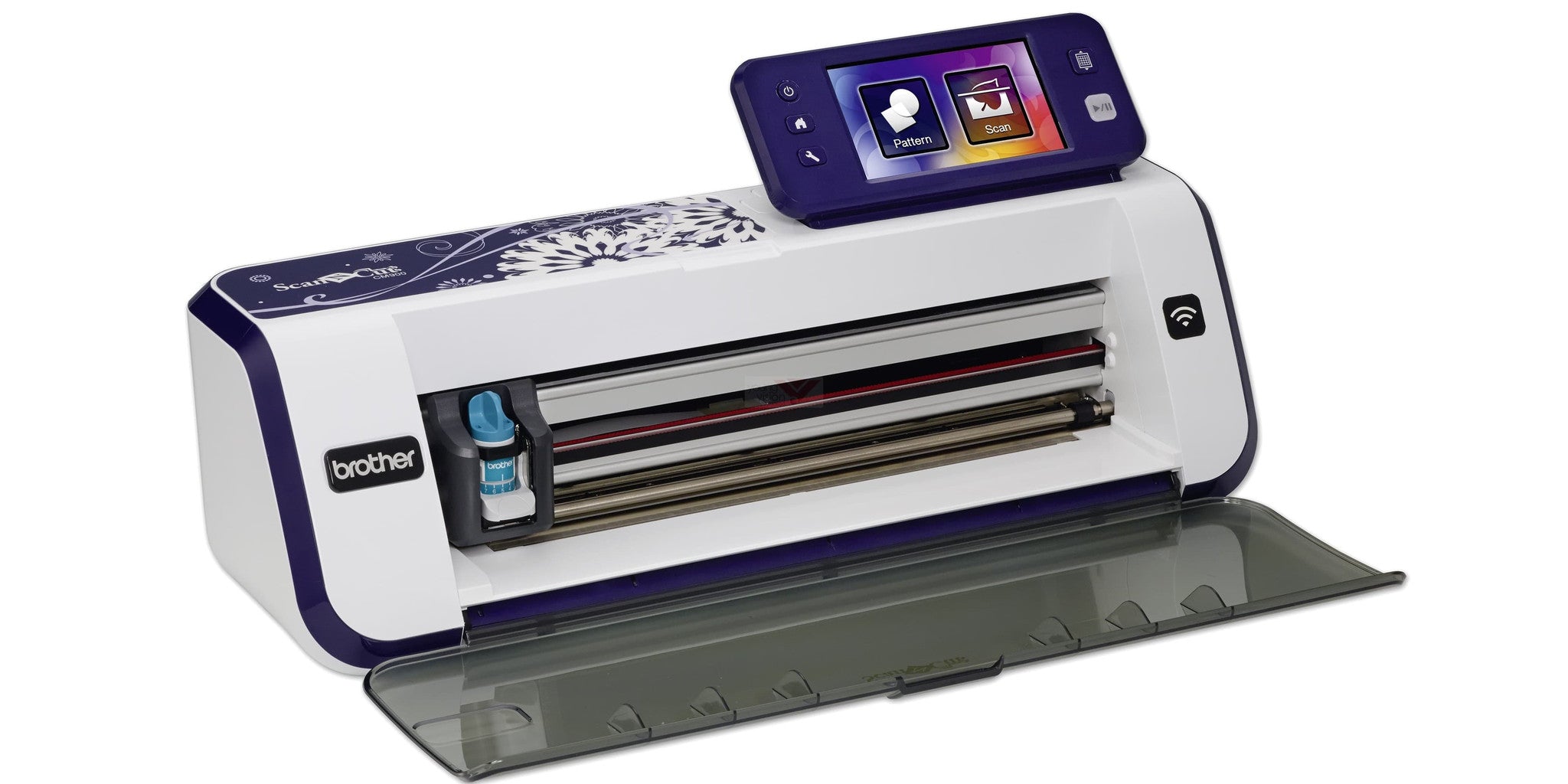
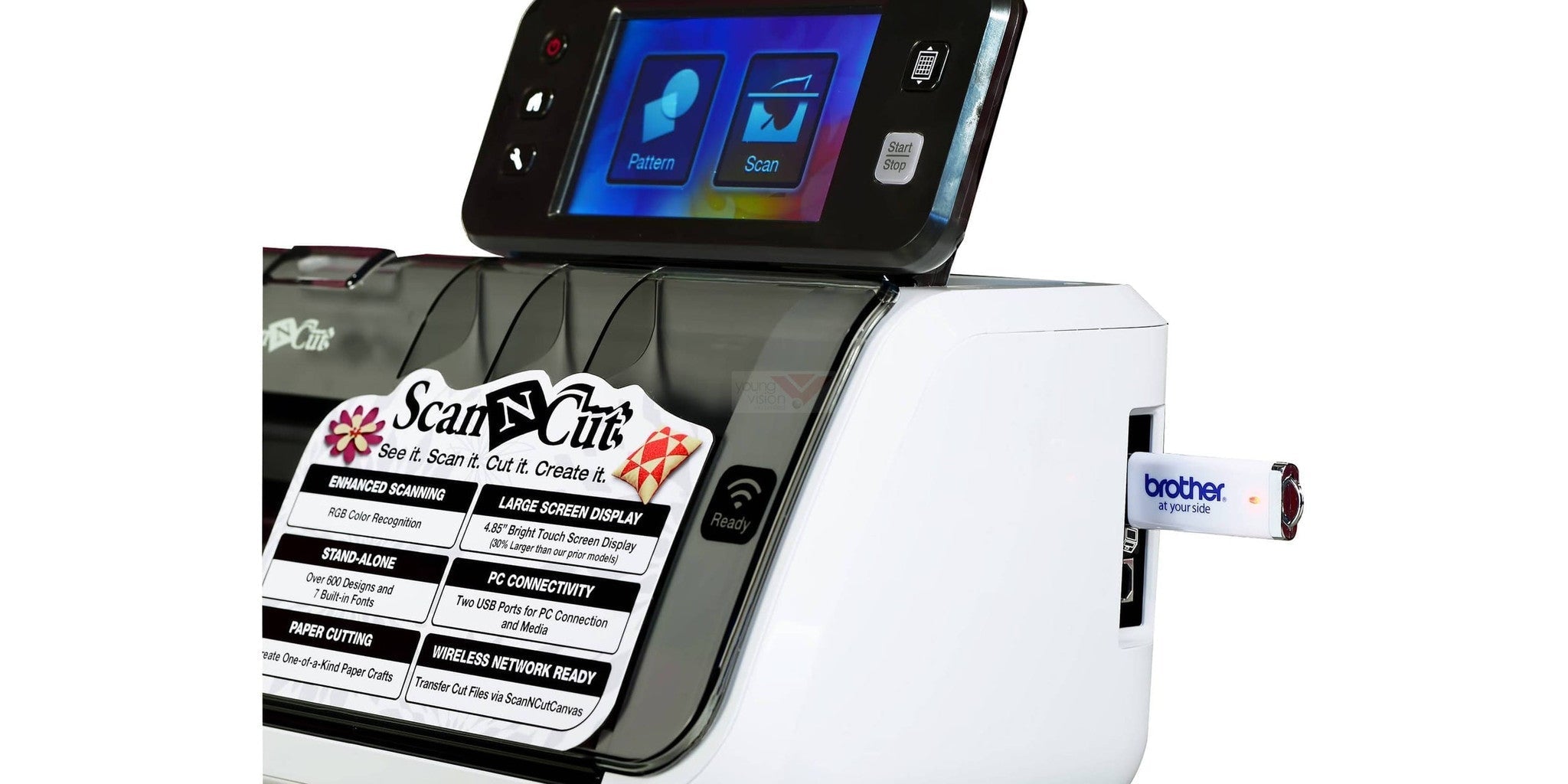
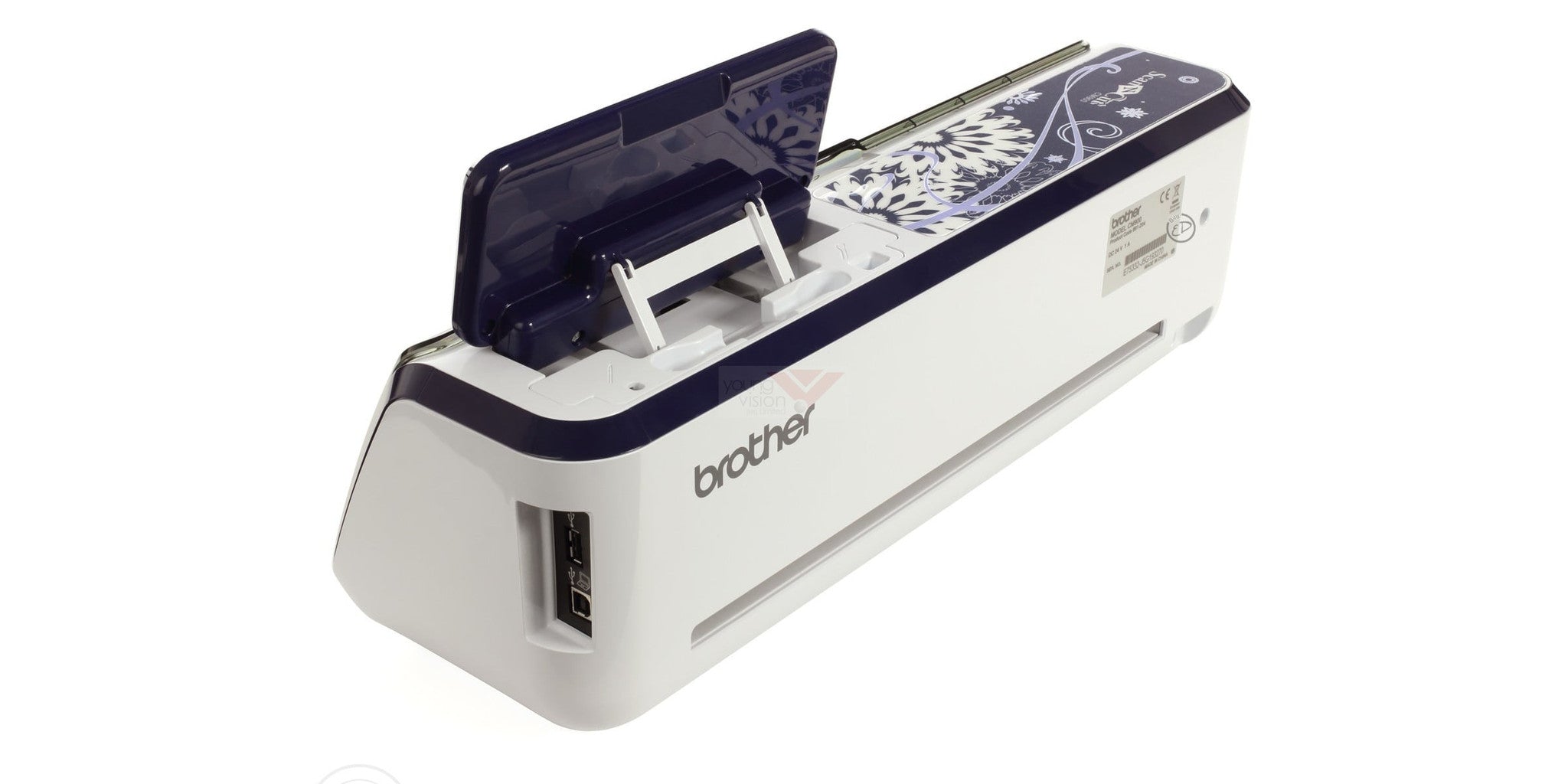
 Brother’s ScanNCut CM900 will take you to new creative heights thanks to state-of-the-art upgrades and new features that are changing the game. We’re talking about a large 4.85'' LCD touchscreen, over 1000 built-in designs, enhanced data readability perfect for working with embroidery machines, and a large 12'' x 24'' scanning and cutting area so you can integrate larger designs than ever before. And let’s not forget about its wireless connectivity, making it easier to transfer your designs from ScanNCut Canvas. That’s no wires, no worries and no limits, allowing you to enjoy creative freedom like never before.
Brother ScanNCut CM900創意裁剪機將帶您進入全新的創作國度,這台以最新升級功能機器將會是創作世界的一個重要革命。配以大型的4.85吋液晶觸摸屏,內置超過1,000款設計圖案,增強了的可讀性數據能配合完美的刺繡機,其大型的12''×24''掃描和切割區域讓您製作比以往更大的設計。而且我們不要忘記它的Wireless LAN無線連接功能,從此更容易將ScanNCutCanvas設計平台上的設計轉移你的機器。不再需要使用連接線,方便而且沒有限制,讓您享受前所未有的自由創作空間。
主要功能
-

大型4.85吋的液晶觸摸屏顯示器
比過往的型號大30%,無眩光顯示屏,超清晰及易於使用。
-

掃描至剪裁數據
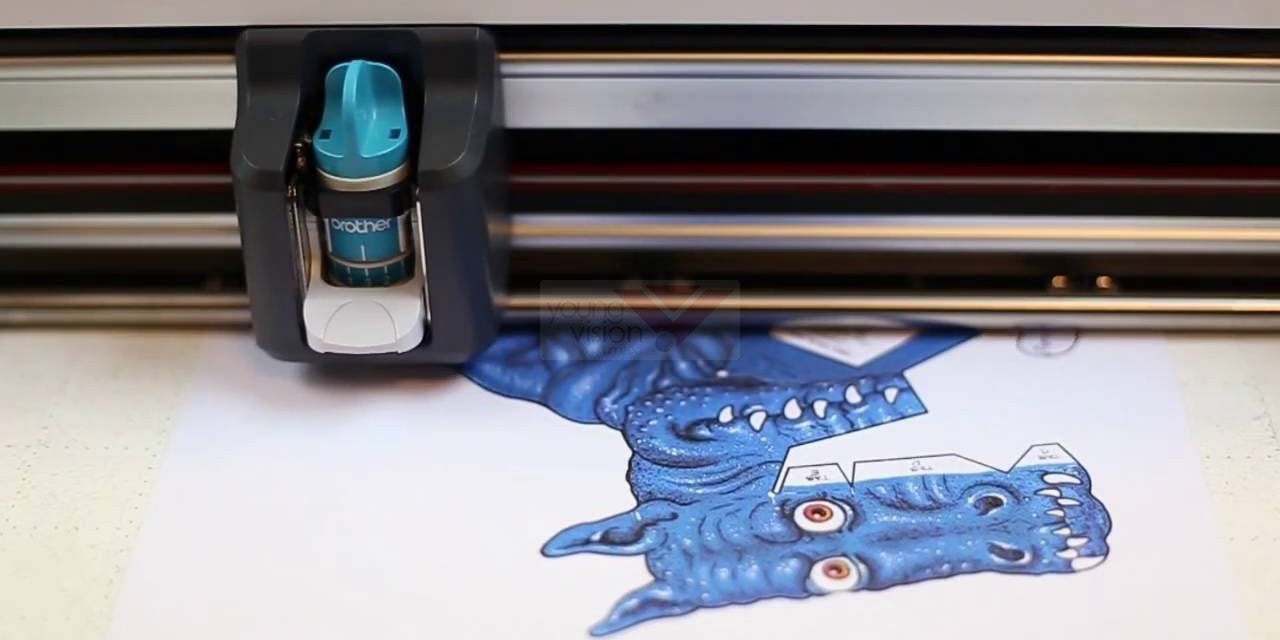
任何印刷圖案或圖像或手繪插圖都可來掃描,利用本機轉換為切割線進行切割或繪圖線,然後保存數據。
-

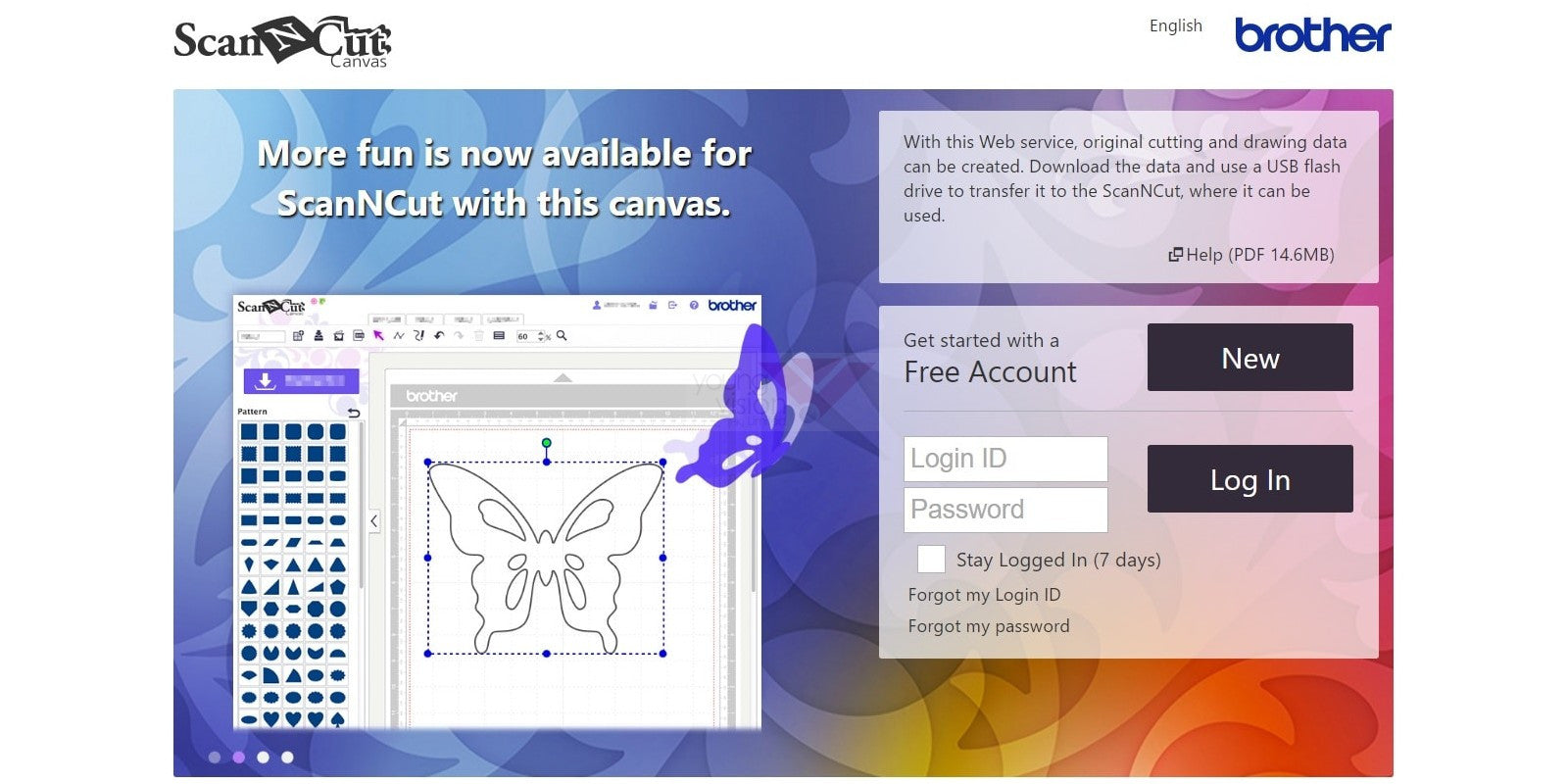
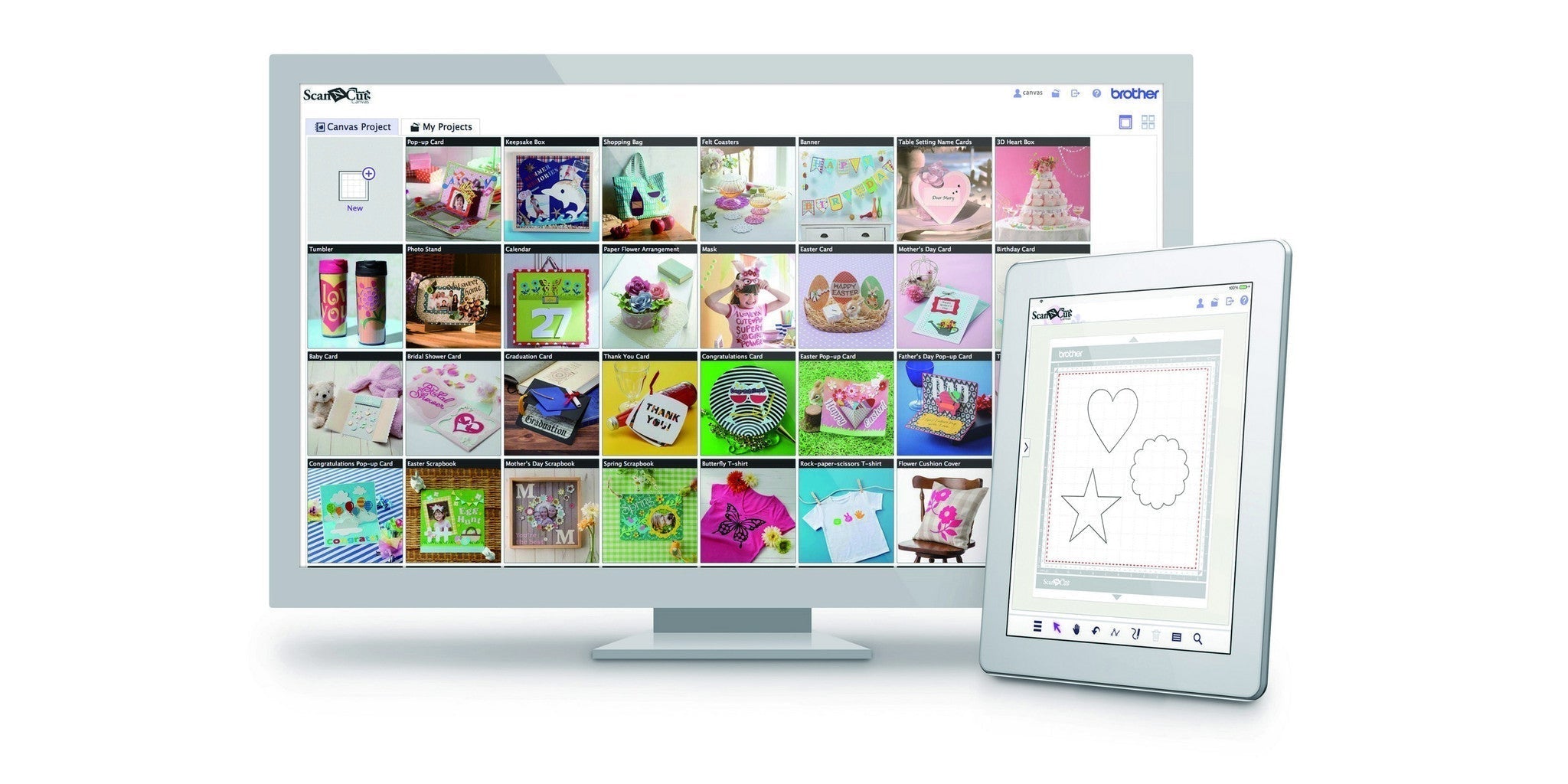
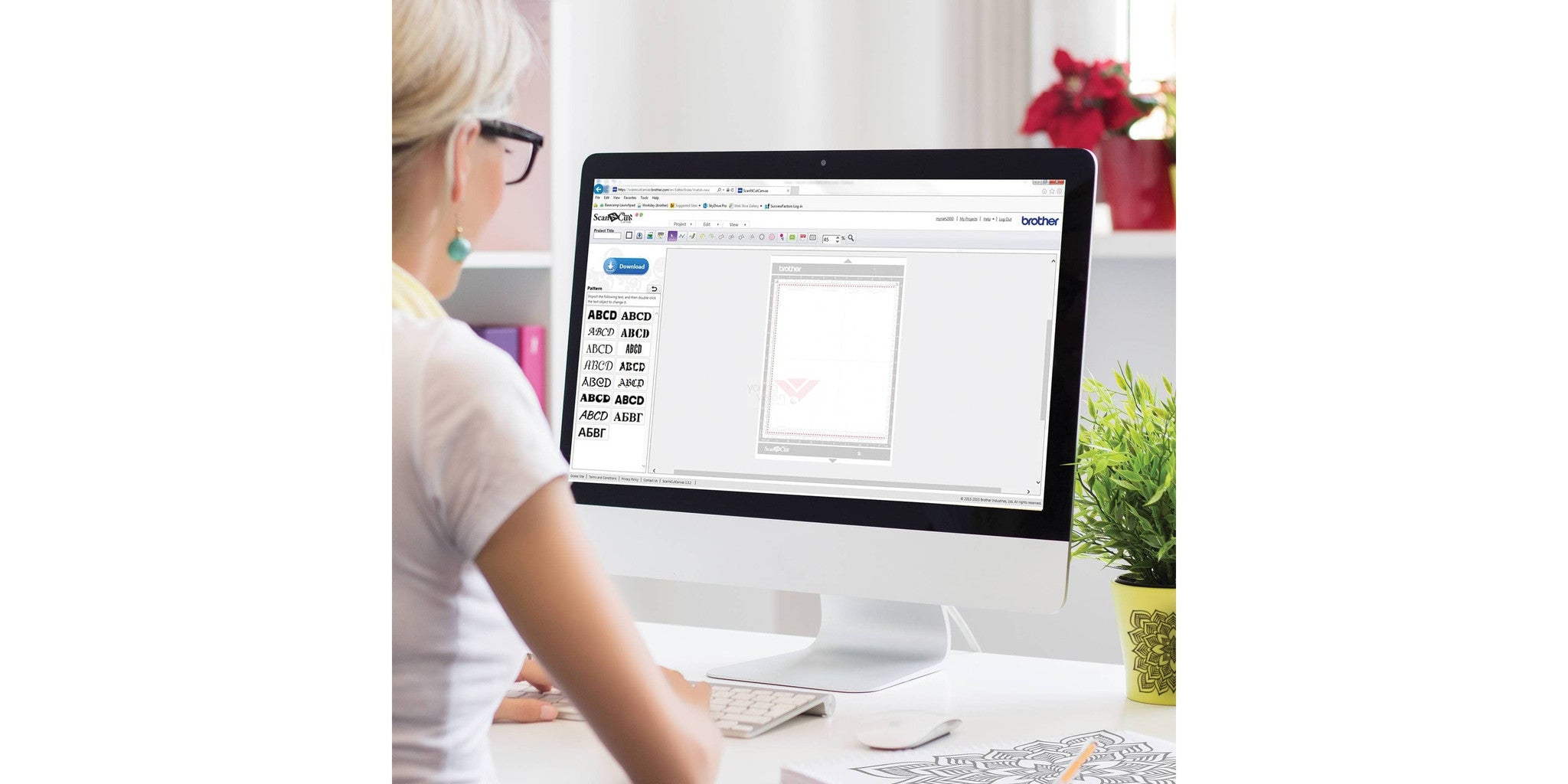
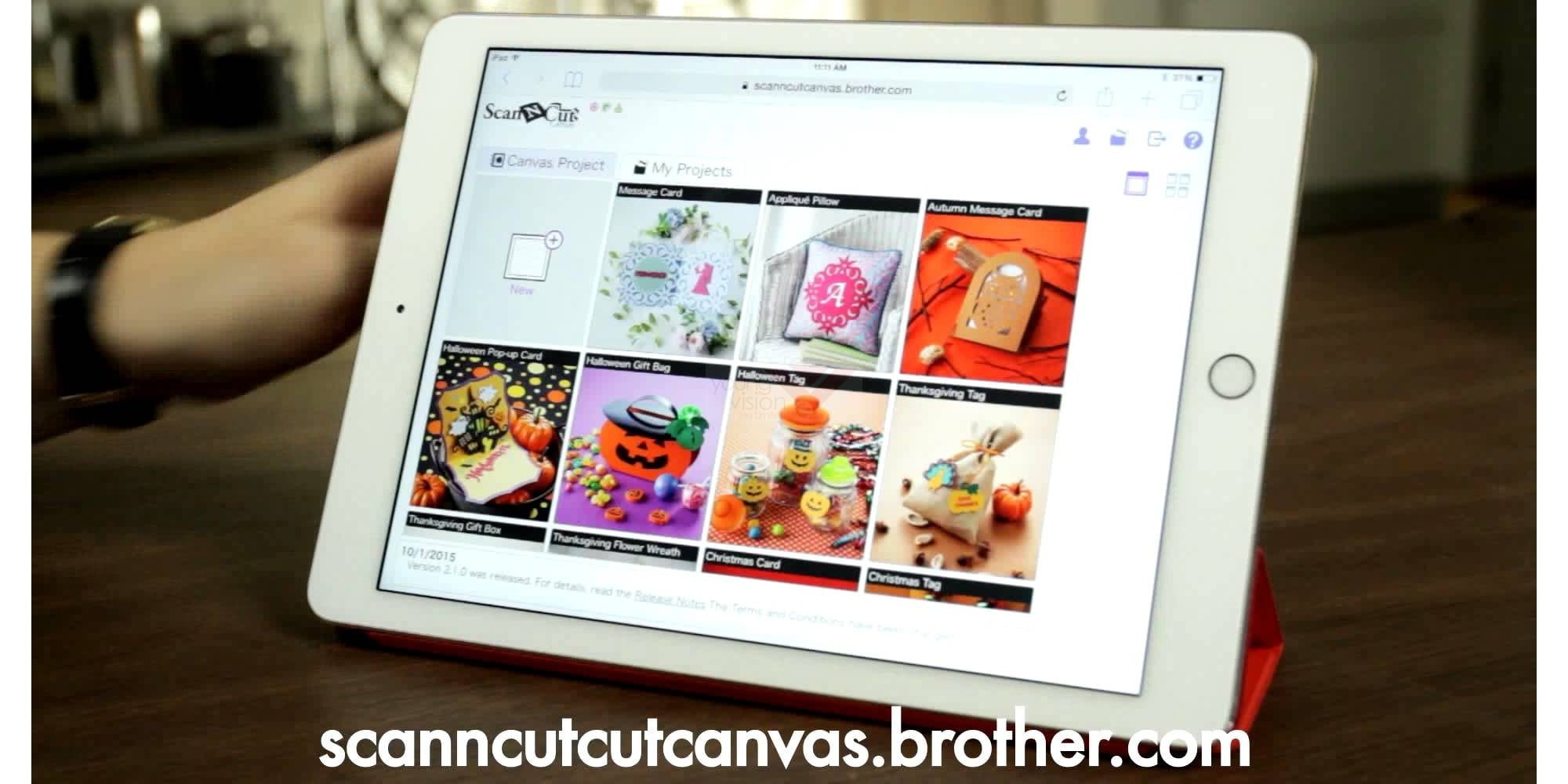
ScanNCutCanvas雲端設計平台
自由創作的雲端網絡應用設計平台可進行編輯和設計剪裁數據並用於ScanNCut創意裁剪機。 支援平板電腦 - 編輯後通過ScanNCutCanvas傳輸文件。詳情請瀏覽:https://scanncutcanvas.brother.com
-

作品圖庫
創建具有一步一步指示的FCM剪裁作品。
-

Wireless LAN無線網絡使用!
全新CM990 ScanNCut創意裁剪機的在線功能可以讓您以無線傳輸數據或從ScanNCut傳到ScanNCutCanvas設計平台。
-

內置1102款設計及15款字體
取得更多創意!基本形狀、複雜的設計、邊框、拼布圖案、字體等等都可以在易於使用的彩色液晶觸摸屏顯示器上選取。
-

300 DPI內置掃描儀
將您掃描的圖像轉換成獨一無二的剪裁圖案和花紋。秘密就在於其300 DPI內置掃描儀的增強掃描功能可利用顏色辨認。選擇以黑白灰度或RGB色彩辨認模式進行掃描。
-

縫份和縫製指南
ScanNCut創意裁剪機讓您可以添加縫份(以1/4吋為單位),以幫助製作拼合布塊的棉被或衣物等作品。
-

布料切割
是的,它精確的切割易於使用於布料的形狀切割上,使縫紉、拼布和貼布等項目比以往更容易創造出來。本機可讀取PES*和PHC*檔案包括貼布縫數據以剪裁貼布切割文件。
Features
| Background Scan 背景掃描 |
Welding 拼接 |
Scan-to-Cut 掃描為剪材資料 |
Direct Cut 直接剪裁 |
Pen Draw 畫筆繪製 |
Fabric Cut 布料剪裁 |
General
Memory |
1MB or 60 pockets |
Display |
TFT 4.85" Color Touch Screen 彩色觸控螢幕 |
Control Button |
Power Start/Stop, Feed setting, Home, Ability to pause the machine with Start/Stop LED button |
Included Accessories |
1 x Standard cut blade holder |
Dimension / Weight
Weight |
4.4kg |
Dimension (W x D x H) |
497 x 175 x 157mm |
Support
Warranty |
1 year carry-in warranty |
Crafting Workspace
Work Area |
11.75" x 11.75" |
Optional Extended Work Area |
11.75" x 23.75" |
Standard Blade |
max 1.0 mm (may vary) |
Deep Blade |
max 1.5 mm (may vary) |
Blade Depth Adjustment |
12 levels |
Cutting Speed |
5 levels |
Adjustable Holder Pressure |
19 levels |
Cutting Materials |
Max 1.5 mm (may vary); Paper (mix 0.8 mm): Printer/ Scrapbook/ Cardstock/ Velum/ Tracing/ Poster board; Fabric: Thin cotton/ Flannel/ Felt; Others: Magnet/Sticker or Seal |
Scanning
Scanning Size |
12" x 24" |
Working Area |
11.75" x 11.75" |
Image Type |
Full color |
Thickness of scanning material |
1.5 mm (max) |
Scanning Speed |
30 sec/mat |
Scan Resolution |
300 dpi |
Recognition Type |
Gray or Color |
Background Scan Adjustment |
Darker/Lighter |
Direct Cut |
Frame Types (11) |
Scan-to-Cut Data |
Detection type: Outline Detection type: Region Detection type: Line (Thinning) Saving Data Function after detection Deletion Area (unwanted scanned images) up to 3.9" per deletion Threshold for converting: 5 level |
Scan to USB |
Yes, 7 scan size format |
Scan to USB Output File Format |
300/250/200/150/100 dpi as JPEG data |
Feature
Language |
8 (English/ German/ French/ Dutch/ ltalian/ Spanish/ Russia/ Japanese) |
Opening Screen |
On/Off |
Test Cutting Function |
Three patterns for test |
Buzzer |
On/Off |
Cut Area |
Able to change by drag/drop operation |
Mat Preview |
Grid measurement |
Built-in Designs |
962 |
Built-in Quilt Patterns |
140 |
Built-in Fonts |
5 |
Drag and Drop Function |
Select / move designs on the LCD using the stylus |
Add Pattern |
Add other designs |
Enlargement/Reduction Feature |
Designs can be enlarged or reduced |
On-Screen Editing Feature |
Sizing (Height) Sizing (Width) Duplicating Lock and Unlocking the Aspect Ratio Pattern Rotation in 1 degree increments Mirroring Seam Allowance ON/OFF Unifying Welding Group deleting / Group selecting Auto Layout by Rearranging Pattern: Rotate at any angle, Rotate patterns 0° or 180°, Without rotating |
Seam Allowance Width |
7 levels |
Pattern Spacing/ Pattern Interval |
10 levels (width between pattern and pattern/ edge of mat) |